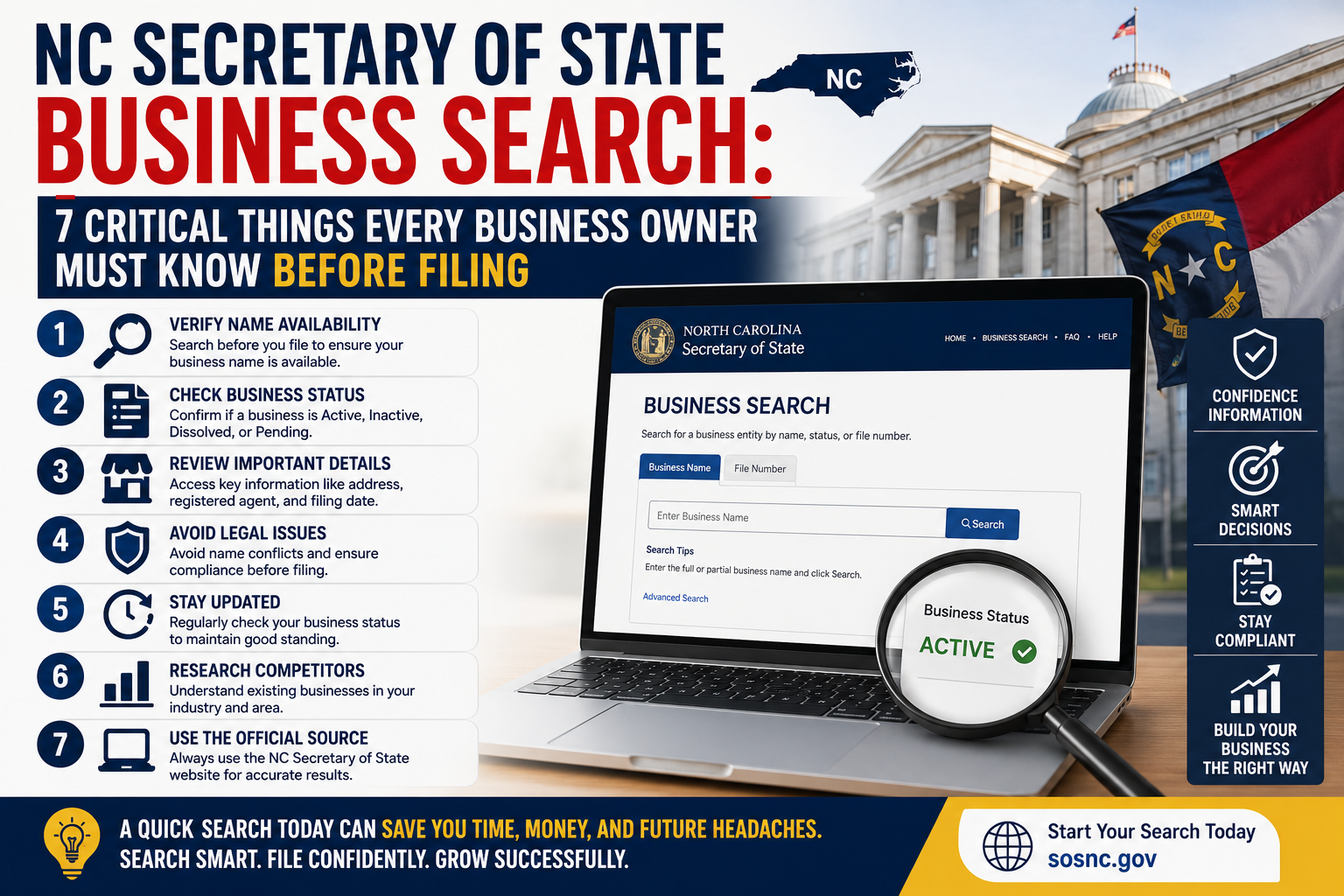
NC Secretary of State business search is one of those tools that sits right there on the internet, completely free, and yet most people either don’t know it exists or use it wrong the first time and walk away more confused than when they started. That’s a shame because when you actually understand what the tool does and how to read what it gives you, it saves real time and real money.
Whether you’re starting a new business in North Carolina, checking on a competitor, verifying a vendor, or just trying to confirm your own entity is in good standing — this search tool is where you need to start. Not Google. Not a paid legal service. The actual NC Secretary of State business search database.
NC Secretary of State Business Search Tells You More Than Just a Name
Most people treat the NC Secretary of State business search like a simple name lookup. Type something in, confirm it exists, move on. But the database gives you significantly more than that if you know what you’re looking at.
A full entity record includes the business name, entity type, current status, date of formation, registered agent information, and principal office address. It also shows the history of annual reports filed and any documents submitted to the Secretary of State over the life of the entity. That’s a substantial amount of information sitting one search away and most people only look at the name field before closing the tab.
How to Actually Run the Search Without Getting Frustrated
The search function has quirks that trip people up regularly. Searching by exact business name sounds straightforward until you realize the database is sensitive to how a name was registered. A business that registered as “Blue Ridge Consulting LLC” won’t appear if you search “Blue Ridge Consulting” without the LLC suffix in some search configurations.
The smarter approach for most searches is to use partial name search rather than exact match. Type the most distinctive part of the business name and let the results populate. From there you can scan the list and find the entity you’re actually looking for. If you’re searching by registered agent name or by owner name the process is slightly different and the database has separate search fields for those queries worth knowing about before you spend twenty minutes wondering why nothing is coming up. For a direct walkthrough of how the NC SOS search interface functions in practice, this guide on nc sos business search covers the step-by-step process clearly.
Business Name Availability Is Not the Same as Trademark Clearance
This is the mistake that causes the most downstream pain for new business owners using NC Secretary of State business search. Finding that your desired business name isn’t taken in the North Carolina database does not mean you’re clear to use that name. It means no other entity has registered that exact name with the NC Secretary of State. That’s a narrower finding than most people realize.
Federal trademark protection is a completely separate system managed by the USPTO. A business operating in another state under a similar name may have federal trademark rights that extend into North Carolina regardless of what the state database shows. Before committing to a business name based solely on an NC Secretary of State business search result, a basic trademark search through the USPTO database is worth doing. It takes twenty minutes and can prevent an expensive rebranding situation later. The United States Patent and Trademark Office provides a free trademark search tool that should be part of any serious name clearance process.
Understanding Entity Status and What It Actually Means
The status field in an NC Secretary of State business search result carries more weight than people give it. Active means the entity is current on its filings and legally authorized to do business in North Carolina. Administratively dissolved means the state dissolved the entity for failure to file required reports or pay required fees. Voluntarily dissolved means the owners chose to close the business through proper legal process.
Why does this matter practically? If you’re about to sign a contract with a vendor, hire a contractor, or enter a business relationship of any kind, checking their entity status through NC Secretary of State business search takes two minutes and tells you whether you’re dealing with a legally active business. An administratively dissolved entity cannot legally enter contracts in North Carolina. That’s useful information to have before you sign anything. For more context on how online business verification tools fit into broader business operations, this overview of online services for business explains how digital tools are changing how businesses verify partners and manage compliance.
Registered Agent Information and Why It Matters to You
Every entity registered in North Carolina must maintain a registered agent — a person or service designated to receive official legal and government correspondence on behalf of the business. The NC Secretary of State business search database shows the registered agent name and address for every active entity.
This information matters in several practical situations. If you’re trying to serve legal notice on a business, the registered agent address is where that notice goes. If you’re researching who actually controls a business that presents itself without obvious ownership information, the registered agent record sometimes provides a useful starting point. And if you’re maintaining your own business registration, confirming your registered agent information is current and accurate in the database is worth doing periodically because outdated information creates compliance problems.
Annual Report Filing History Reveals How Serious a Business Is
The NC Secretary of State business search database shows annual report filing history for registered entities and this information tells a story that raw status fields sometimes don’t. A business that has filed its annual reports consistently every year since formation is a different animal than one that has missed filings, been administratively dissolved, and reinstated multiple times.
This history matters when you’re evaluating a potential business partner, a vendor you’re considering a long-term relationship with, or a business you’re thinking about acquiring. Consistent compliance with basic state filing requirements is a reasonable signal of operational seriousness. Spotty filing history isn’t automatically disqualifying but it’s worth asking about. The database gives you the question to ask even if it doesn’t give you the answer. If you’re thinking about purchasing an existing business in North Carolina, this guide on business for sale walks through the due diligence process that should accompany any acquisition including entity verification steps.
What NC Secretary of State Business Search Cannot Tell You
Knowing the limits of the tool is as important as knowing its capabilities. NC Secretary of State business search shows state registration information. It does not show federal tax status, outstanding lawsuits, UCC filings, judgment liens, or whether a business is actually operating versus simply registered.
A business can be active in the NC Secretary of State database and simultaneously be in serious financial distress, facing litigation, or effectively dormant. The database confirms legal registration status. It doesn’t confirm business health, financial stability, or operational reality. For a complete picture of any business you’re evaluating seriously, the NC Secretary of State business search result is the starting point not the finish line. Combine it with a review of court records, a check of the Better Business Bureau, and direct conversation with the business principals before making any significant commitment. The North Carolina Secretary of State official portal also provides additional resources including UCC search and notary verification tools that extend beyond basic entity lookup.
FAQ
What is NC Secretary of State business search used for?
It is used to verify business registration status, check name availability, find registered agent information, and review filing history for entities registered in North Carolina.
Does finding an available name in NC Secretary of State business search mean I can use it?
No. State database availability only means no North Carolina entity has registered that exact name. Federal trademark searches through the USPTO are still necessary before committing to a business name.
What does administratively dissolved mean in NC Secretary of State business search results?
It means the state dissolved the entity due to missed annual report filings or unpaid fees. Administratively dissolved entities cannot legally enter contracts in North Carolina.
Is NC Secretary of State business search free to use?
Yes. The public business search database is completely free to access through the official North Carolina Secretary of State website with no account or registration required.
Conclusion
NC Secretary of State business search is genuinely useful and genuinely underused at the same time. Most people either skip it entirely or use it so narrowly that they miss half of what it offers. Understanding what the database actually contains, how to search it effectively, what its results mean, and where its limits sit turns a two-minute lookup into a real business intelligence tool.
Whether you’re launching a new entity, vetting a partner, checking a competitor, or managing your own compliance, this free public database deserves a permanent spot in how you handle North Carolina business research. It’s already there. It already works. You just have to know how to use it.