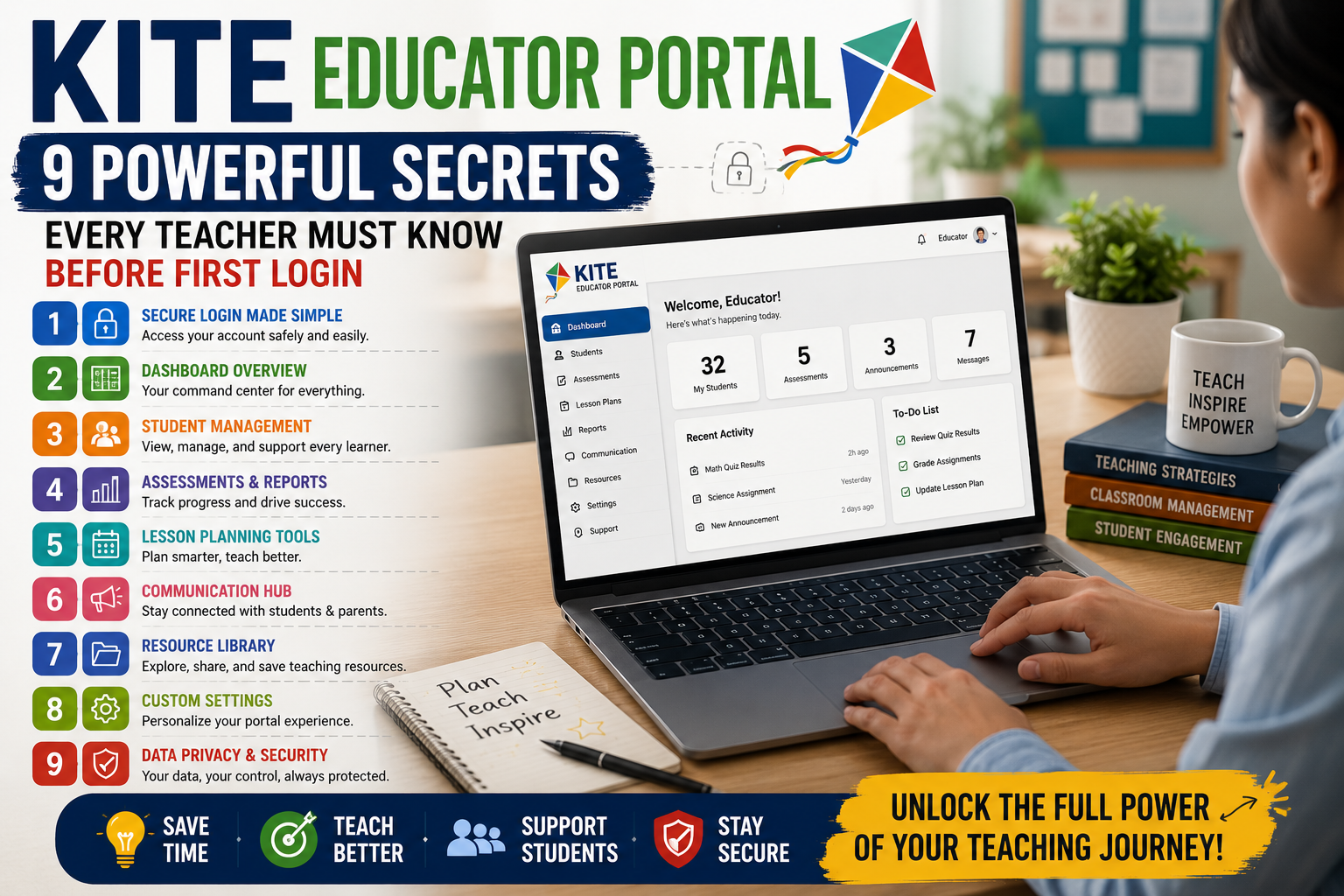
KITE Educator Portal is one of those tools that lands in your inbox as a mandatory system with zero context and a deadline attached. Another login. Another dashboard. Another thing to figure out between lesson planning and parent emails and the seventeen other responsibilities nobody put in the job description. That’s the honest starting point for most teachers.
But here’s what changes things. Spend real time with KITE Educator Portal — not a frustrated twenty minutes during a testing window, but actual deliberate time before the pressure hits — and it starts making sense. It does specific things well. It was built for a specific population. And understanding both of those facts upfront saves more time than any tutorial video ever will.
KITE Educator Portal Was Built for a Specific Purpose and That Changes Everything
KITE Educator Portal exists to support the Dynamic Learning Maps alternate assessment system and Kansas state assessments. It is not a learning management system. Not a gradebook. Not a parent communication platform. It does assessment administration and educator access management and it stays in that lane deliberately.
That narrow focus is a genuine strength. Platforms that try to solve every classroom problem at once usually solve none of them well. KITE Educator Portal made a focused bet and the interface reflects that decision. Teachers arriving with LMS expectations leave confused. Teachers arriving with assessment portal expectations find the system considerably more logical than it first appeared.
Account Setup Is Where Most Teachers Lose Precious Time
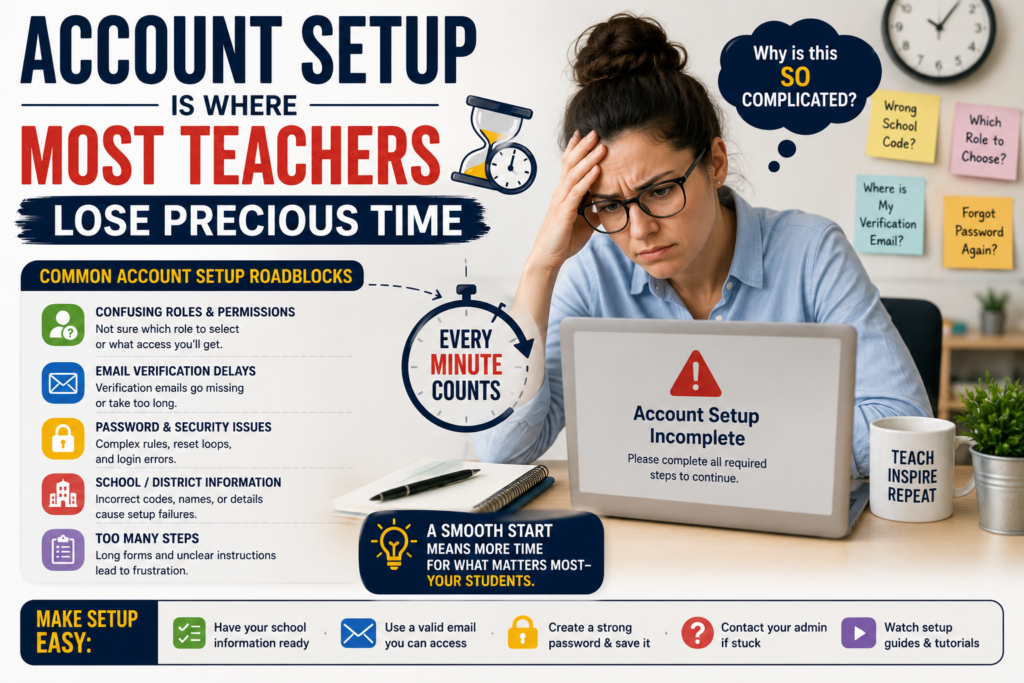
First login experiences in KITE Educator Portal trip people up more than anything else in the system. The account creation process runs through your district’s data management system which means if your information wasn’t entered correctly upstream your access won’t work correctly inside the portal. That’s not a KITE flaw specifically. It’s a data pipeline reality that shows up inside KITE and that’s where teachers feel the pain.
Three things worth checking before assuming the portal itself is broken. Confirm your district has your correct email address on file. Confirm your role assignment actually matches what you need access to do. Confirm the testing window you’re trying to reach is currently open. Most first-login frustrations trace back to one of those three things and knowing that going in saves an afternoon of circular troubleshooting that nobody has time for.
The KITE Educator Portal Student Roster System Requires Real Patience
KITE Educator Portal pulls student roster data from your state’s student information system rather than letting teachers build rosters manually. Good in theory because it reduces duplicate entry and keeps records consistent across systems. Genuinely frustrating in practice because when a student transfers into your class mid-year they don’t appear in your KITE roster automatically. The update has to travel through the district data system first and that takes time that testing windows don’t always accommodate.
Teachers who understand this don’t spiral when a new student isn’t showing up. Teachers who don’t understand it spend an afternoon looking for a manual add function that simply doesn’t exist in the portal. The roster comes from upstream data. If a student is missing the fix lives at the district data entry level not inside KITE Educator Portal itself. That single piece of knowledge prevents more frustration than almost anything else in this article.
Test Administration Inside KITE Works More Reliably Than Teachers Expect
Whatever friction exists around setup and rosters the actual test administration function of KITE Educator Portal is solid. Once a testing window is open and students are correctly rostered the process of assigning and running assessments moves smoothly. Students who have gone through one session can navigate subsequent ones without much hand-holding from the teacher.
The accessibility features deserve specific recognition here. KITE Educator Portal was designed with students who have significant cognitive disabilities as the primary user and the accommodations built into the assessment side reflect that priority seriously. Text-to-speech, simplified navigation, adjusted interfaces — these aren’t afterthoughts bolted on later. They’re foundational to how the system was architected. For context on how academic accountability standards shape what tools like this need to deliver, this piece on general education officer gives useful background that helps explain why KITE is built the way it is.
Educator Roles Inside KITE Educator Portal Control Everything You Can Access
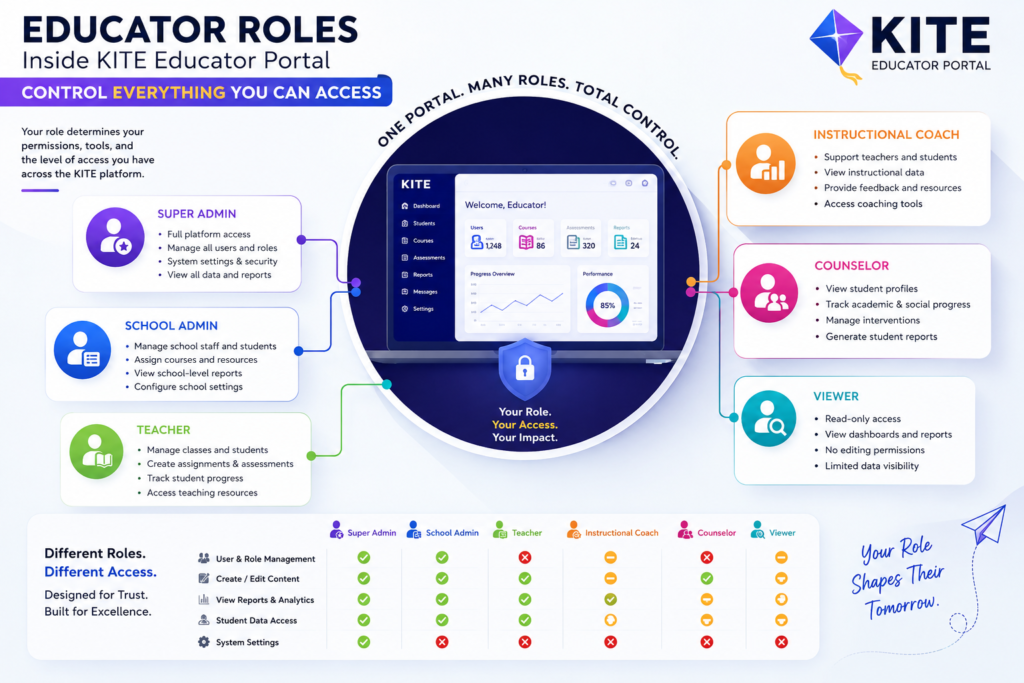
KITE Educator Portal runs on a role-based access system and most confusion inside the portal traces back to role mismatches rather than actual system problems. District-level users see reports that building-level users don’t. Test administrators have permissions that teachers of record don’t hold. Data managers can do things that classroom teachers simply cannot do regardless of how many times they click the button.
If you’re trying to access something and the system won’t let you the first question is never what’s wrong with the portal. The first question is whether your assigned role includes permission for what you’re trying to do. Your district’s KITE coordinator controls role assignments. Knowing to contact that specific person with that specific question rather than filing a general help ticket cuts resolution time dramatically and gets you back into the work faster.
The Reporting Side of KITE Educator Portal Rewards Persistence
Most teachers click through the reporting section of KITE Educator Portal once, find it less intuitive than expected, and close the tab. That’s a mistake that costs them genuinely useful information about their students. The reports available inside the portal once you understand what they’re actually measuring give a more precise picture of student skill development than a raw score ever provides.
The key is understanding that KITE reports reflect mastery of specific learning map nodes within a developmental progression not overall subject proficiency in any traditional sense. A student’s results tell you which specific skills they’ve demonstrated and which they haven’t yet reached. Reading that kind of data fluently takes a few sessions to develop. Stick with it. The National Center on Educational Outcomes has published detailed guidance on interpreting alternate assessment results that helps teachers get more from what KITE reports are actually showing them.
Training Resources for KITE Educator Portal Exist and Almost Nobody Finds Them
KITE Educator Portal has a real library of training materials — user guides, instructional videos, and a practice test environment that lets teachers and students walk through the full assessment experience without anything counting toward an official record. The majority of teachers never find these resources because nobody points them to the right place at the right moment.
The Educator Portal User Guide is worth bookmarking before the testing window opens not after something goes wrong. The practice environment is worth running students through before their first official session so the interface feels familiar when it counts. Both of these exist. Both are free. Both prevent a significant chunk of the confusion that surfaces every testing season like clockwork. For a broader look at how digital access tools are being integrated into structured education programs serving specific learner populations, this overview of southwest riverside adult education shows how intentional onboarding design changes participant outcomes in meaningful ways.
Helpful Resources For Teachers
Teachers jo pehli baar KITE Educator Portal use kar rahe hain, unke liye sirf login process samajhna kaafi nahi hota. Roz-marra ki classroom responsibilities, assessment scheduling, aur student data handling ek sath manage karna kaafi mushkil lag sakta hai naye teachers ke liye. Agar aap apni teaching practice ko aur behtar organize karna chahte hain, to hamara educators handbook ek acha starting point hai jahan classroom management se lekar daily planning tak ke practical tips mil jate hain.
Communication With District Coordinators Makes KITE Educator Portal Smoother
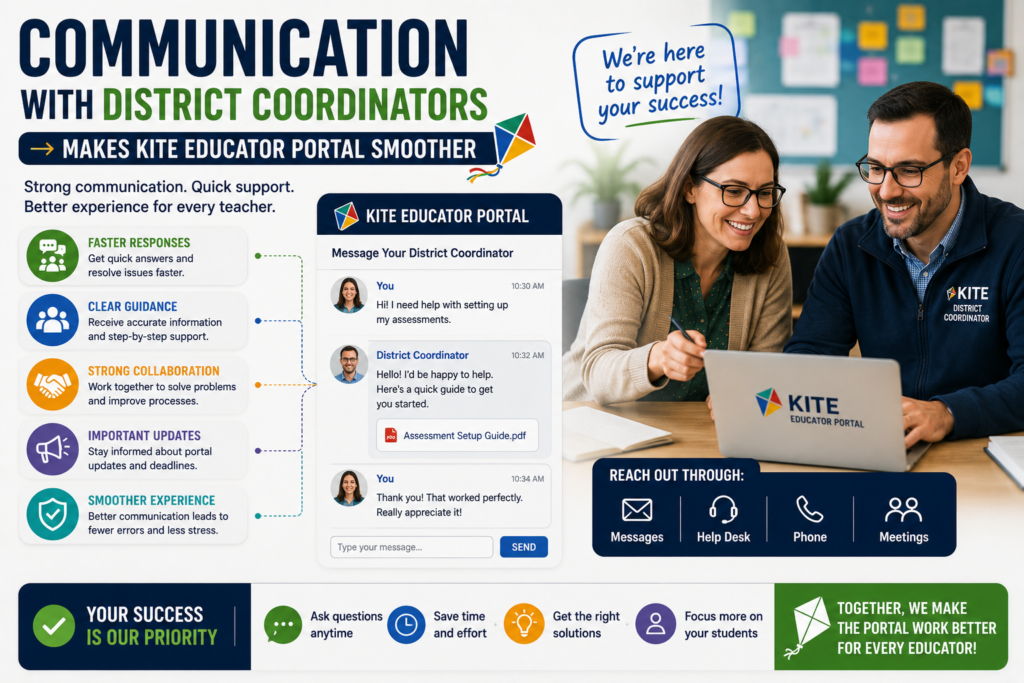
KITE Educator Portal doesn’t operate as a standalone tool. It connects to district data systems, state assessment offices, and building coordinators in ways that make communication between those layers genuinely important for day-to-day function. A teacher who keeps their district KITE coordinator informed about roster discrepancies, accommodation needs, and testing window questions has a measurably smoother experience than one who tries to troubleshoot everything independently at the classroom level.
This isn’t about lacking self-sufficiency. Some problems inside KITE genuinely cannot be resolved at the classroom level no matter how capable the teacher. Data errors fix upstream. Role changes happen at coordinator level. Testing window access is controlled at state level. Knowing which problems to escalate immediately versus which ones to work through independently is itself a skill that saves real time across an entire testing season.
What KITE Educator Portal Does Well Deserves as Much Attention as Its Friction Points
KITE Educator Portal collects legitimate criticism from teachers and some of it is fair. Initial setup is more complicated than it needs to be. The roster patience requirement is real. The reporting learning curve is steeper than the assessment interface learning curve. These friction points exist and pretending otherwise doesn’t help anyone prepare for them.
But the platform also does things that genuinely serve students well and those things deserve equal airtime. The accessibility infrastructure is serious, thoughtful, and more robust than what most mainstream assessment platforms offer. The system stability during active testing windows is reliable in ways that not every assessment platform can claim. The learning map framework underlying the entire system gives teachers more precise developmental information than a percentage score ever could. For the population KITE Educator Portal was built to serve that precision is not a small thing. It’s exactly what good instruction for students with significant cognitive disabilities requires. The Dynamic Learning Maps consortium publishes ongoing research on how this framework supports instructional decision-making in ways worth reading for any educator working within this system.
FAQ
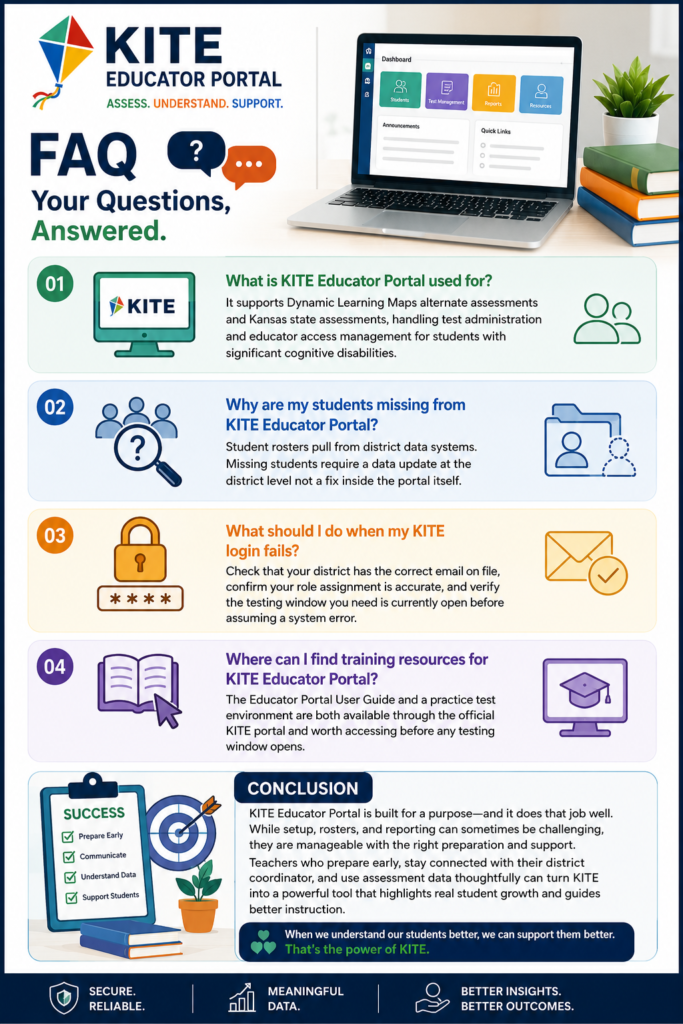
What is KITE Educator Portal used for?
It supports Dynamic Learning Maps alternate assessments and Kansas state assessments, handling test administration and educator access management for students with significant cognitive disabilities.
Why are my students missing from KITE Educator Portal?
Student rosters pull from district data systems. Missing students require a data update at the district level not a fix inside the portal itself.
What should I do when my KITE login fails?
Check that your district has the correct email on file, confirm your role assignment is accurate, and verify the testing window you need is currently open before assuming a system error.
Where can I find training resources for KITE Educator Portal?
The Educator Portal User Guide and a practice test environment are both available through the official KITE portal and worth accessing before any testing window opens.
Conclusion
KITE Educator Portal is not trying to be the most glamorous tool in a teacher’s digital life and it isn’t. It exists to do a focused job for a specific population of students and when you walk in understanding that the experience changes considerably. The frustrations around setup, rosters, and reporting are real but they are navigable frustrations not fundamental failures.
The teachers who get the most from KITE are the ones who spent time with the user guide before the deadline arrived, who know their district coordinator by name, and who understand that the data the portal produces tells a more precise developmental story than a simple score ever could. That’s the bar. It’s not a high one.
But clearing it makes the difference between a tool that feels like a burden and one that actually serves the students who need it most.