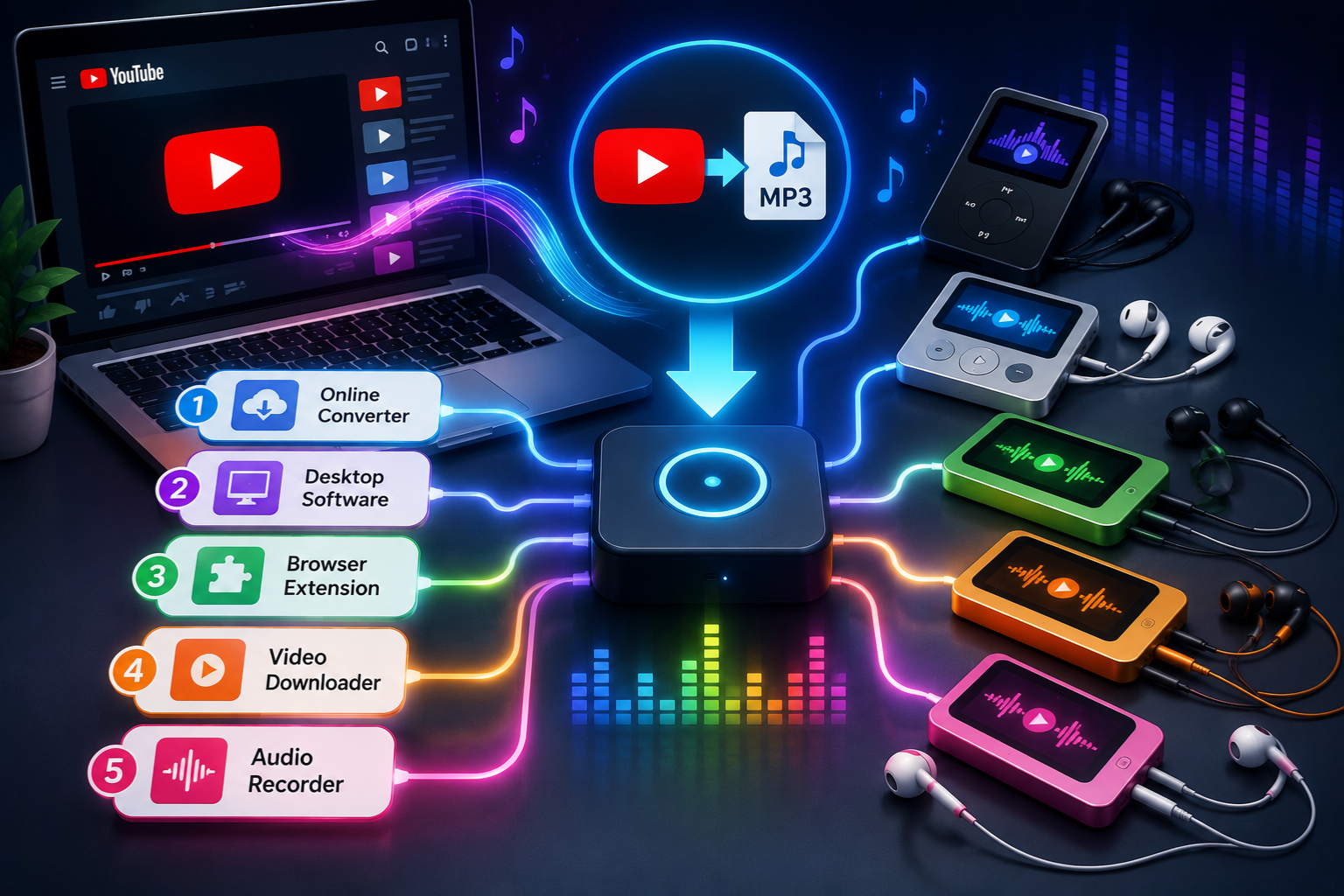
A youtube to mp3 player is a tool — either a website, desktop software, or mobile app — that extracts the audio track from a YouTube video and saves it as an MP3 file on your device. The concept is simple: YouTube hosts millions of videos, many of which are essentially audio content dressed up in video format. Podcasts, music tracks, lectures, ambient soundscapes, language learning content — a huge portion of YouTube is something people would rather listen to than watch.
The demand for this kind of tool has existed since YouTube launched in 2005, and it hasn’t slowed down. People want their audio offline, on their phones, in their cars, in their earbuds during a run — without burning mobile data or depending on a stable internet connection. A youtube to mp3 player fills that gap. The tools themselves range from fast and clean to slow and ad-riddled, which is exactly why knowing which ones are worth your time matters so much.
How These Tools Actually Work
The technical process behind a youtube to mp3 player is less complicated than most people assume. When you paste a YouTube URL into one of these tools, the converter fetches the video’s audio stream — YouTube actually separates audio and video in its streaming infrastructure — and re-encodes or extracts that audio into the MP3 format. This usually takes between 10 and 60 seconds depending on video length and the tool’s server speed.
For those who want to go deeper on how video downloading tools are built and what separates quality software from junk, the YT video downloader breakdown on BussinestTips covers the technical side in plain language. Desktop-based converters tend to be faster than browser-based ones because they don’t rely on shared server resources. Browser tools are more convenient but often slower, ad-heavy, and occasionally unreliable during peak traffic hours. The architecture matters more than most casual users realize.
Legal Questions Around MP3 Conversion
This is the part most tutorial sites skip over, and it’s worth addressing head-on. Using a youtube to mp3 player is legal in some contexts and not in others — and the line comes down to copyright and YouTube’s own terms of service.
YouTube’s Terms of Service explicitly prohibit downloading content without prior written permission from YouTube. That’s a platform policy violation, not necessarily a criminal offense, but it does mean you’re using these tools outside the bounds of what YouTube permits. The bigger legal issue is copyright. If the content you’re converting is copyrighted music, a paid course, a movie clip, or any commercially licensed material, downloading it without authorization is copyright infringement under laws like the DMCA in the United States. On the other hand, converting public domain content, Creative Commons-licensed material, or your own uploaded videos sits in much clearer legal territory. Know what you’re converting before you convert it.
Top Browser-Based Converter Tools
Browser-based youtube to mp3 player tools are the most popular entry point for casual users because they require zero installation. You open a website, paste a URL, click convert, and download the file. No account needed, no software to maintain.
Among the most consistently functional options in this space are Y2Mate, YTMP3.cc, and OnlyMP3. Each handles standard YouTube URLs reliably, produces 128kbps to 320kbps MP3 files depending on your quality selection, and completes most conversions in under 30 seconds for videos up to 10 minutes long. The trade-off is advertising — these sites run on ad revenue, so expect pop-ups and redirect attempts. Using a browser with built-in ad blocking reduces that friction significantly. None of these tools require a login, which is a genuine convenience, but it also means there’s no account history or saved file management. Each session starts fresh.
Desktop Software for Better Quality
If you’re converting audio regularly, desktop software beats browser tools on every practical metric. A dedicated youtube to mp3 player application running locally on your machine is faster, more stable, supports batch downloads, and often delivers better audio quality without the ad interruptions that come with web-based tools.
4K Video Downloader is one of the most well-regarded options in this category. It’s available for Windows, Mac, and Linux, handles playlists and channels in addition to individual videos, and lets you choose output quality up to 320kbps. Audials One is another desktop option that functions more like a full media management suite — it records streaming audio in real time rather than extracting it from the video file, which sidesteps some of the technical limitations that affect extraction-based tools. For users who convert more than a few files per week, the investment in desktop software pays off quickly in time saved and frustration avoided.
Mobile Apps for On-the-Go Use
Mobile is where youtube to mp3 player tools get more complicated. Apple’s App Store policies prohibit apps that download YouTube content, which means iOS users are essentially limited to browser-based tools accessed through Safari or Chrome. The experience is workable but not ideal — mobile browsers handle file downloads differently than desktop browsers, and saving MP3 files to the right location on an iPhone requires a few extra steps through the Files app.
Android is more flexible. The Google Play Store doesn’t host YouTube downloader apps either, since they violate YouTube’s terms, but Android’s sideloading capability lets users install APK files directly. Apps like Videoder and TubeMate have been available through their own websites for years and function well on most Android versions. The risk with sideloaded apps is obvious — you’re installing software outside of Google’s review process, which means you’re responsible for vetting the source. Stick to apps that have been around for several years and have visible developer documentation.
Audio Quality Explained Simply
Not all youtube to mp3 player tools produce the same audio output, and the quality gap between a 128kbps file and a 320kbps file is audible — especially on decent headphones or speakers. YouTube itself streams audio at varying bitrates depending on the video: most standard videos use 126kbps AAC audio, while some music videos and premium content use higher bitrates.
According to Forbes reporting on digital audio trends, consumer demand for high-quality audio has grown significantly in recent years, with listeners increasingly able to distinguish between compressed and lossless formats. This context matters when picking a converter. Choosing a 320kbps output setting in your youtube to mp3 player doesn’t automatically produce 320kbps quality — it can’t exceed the source bitrate. If YouTube is serving 126kbps audio, your 320kbps MP3 is just a larger file of the same quality. Knowing this saves you storage space and corrects unrealistic expectations about what conversion tools can actually deliver.
Avoiding Malware and Scam Sites
The youtube to mp3 player space has a serious malware problem. Because these tools exist in a legal grey area, they’re rarely hosted by large, well-known companies. That creates an ecosystem of smaller sites, many of which are either outright scams or malware vectors disguised as conversion tools.
Red flags to watch for: sites that ask you to install a browser extension before converting, tools that redirect you through three or four pages before the download starts, converters that require account creation with an email address, and anything that pushes an executable file instead of an MP3. A legitimate youtube to mp3 player gives you an audio file. It does not need your email, your payment information, or permission to install anything on your browser. If a conversion site feels like it’s working harder to get something from you than to give you the audio file, trust that instinct and close the tab.
Converting Playlists and Channels
Most casual users think of youtube to mp3 player tools as single-video converters, but playlist and channel conversion is a real use case — particularly for people who want to archive podcast series, lecture collections, or curated music playlists in audio format.
Browser-based tools handle playlist conversion poorly. Most either ignore the playlist parameter in the URL and convert only the first video, or they require manual entry of each individual URL. Desktop software is where playlist conversion actually works. 4K Video Downloader, as mentioned earlier, handles YouTube playlists natively — paste the playlist URL, select audio-only output, and it queues every video in the list automatically. For large playlists of 50 or 100 videos, this saves a significant amount of manual work. Some tools also let you set quality preferences at the playlist level rather than adjusting each download individually, which adds another layer of efficiency.
Choosing the Right Output Format
MP3 is the default output format for most youtube to mp3 player tools, and for most use cases it’s the right choice. It’s universally compatible across devices, players, and operating systems. Nearly every device built in the last 20 years can play an MP3 file without additional software.
That said, MP3 isn’t always the best format depending on what you’re doing with the audio. M4A (AAC) is the native format YouTube uses for its audio streams, which means converting to M4A rather than MP3 avoids a re-encoding step and theoretically preserves more of the original quality. FLAC is an option some desktop tools offer for users who want lossless storage, though this only makes sense if the source audio is high-quality to begin with. WAV files are uncompressed and extremely large — useful for audio editing but impractical for casual listening. For most people, MP3 at 192kbps or higher is the right call: good quality, small file size, works everywhere.
YouTube to MP3 Player for Podcasts
Podcasts on YouTube occupy a strange middle ground. Many podcasters upload full episodes as video content with a static image or simple graphic — the audio is the entire point of the content. Using a youtube to mp3 player to convert these episodes for offline listening makes complete sense, especially for content that isn’t available through standard podcast apps like Spotify or Apple Podcasts.
The process is identical to converting any other video: paste the URL, select audio output, download. The resulting MP3 drops into any podcast app that supports local file imports, or you can manage it directly through your phone’s music player. Some users organize converted podcast episodes into folders by show name and episode number, treating the files exactly like a locally managed podcast library. It’s a manual workflow, but for YouTube-exclusive podcast content it’s often the only option that gives you true offline access without relying on YouTube Premium’s download feature.
YouTube Premium as an Alternative
It would be incomplete to discuss youtube to mp3 player tools without acknowledging that YouTube itself offers an official alternative. YouTube Premium, at roughly $13.99 per month in the US, includes background playback, offline downloads within the YouTube app, and ad-free viewing. For users who primarily want to listen to YouTube content on mobile without keeping the screen active, Premium solves that problem without any third-party tools or legal grey areas.
The obvious trade-off is cost. $13.99 per month is $167.88 per year, and the downloaded content stays locked inside the YouTube app — you can’t export those files as MP3s or move them to another player. If your goal is to own the audio file and use it freely across devices, Premium doesn’t actually accomplish that. It’s a cleaner user experience, and it supports creators through ad revenue and subscription fees, which is worth factoring into the decision. But for pure offline audio access, it’s a subscription rather than a solution.
Keeping Your Device Safe
Security matters when using any third-party youtube to mp3 player tool, and a few basic habits reduce your risk significantly. First, never install a browser extension recommended by a conversion site — extensions have broad permissions and represent a significant security risk if the developer is malicious. Use a reputable ad blocker like uBlock Origin before visiting any converter site. Keep your browser updated, since outdated browsers are more vulnerable to drive-by malware from aggressive ad networks.
For desktop software, download only from the developer’s official website. Check the URL carefully — typosquatting (registering domains that look like legitimate software sites with minor spelling variations) is common in this space. Run any new desktop application through VirusTotal before installing it. These steps take about five minutes and protect you from the most common attack vectors associated with video converter tools. Your personal files and login credentials are worth that small time investment.
YouTube to MP3 Player FAQ
Q: Is using a youtube to mp3 player illegal?
It depends on the content. Converting public domain or Creative Commons-licensed content is generally not a copyright issue. Converting copyrighted music, movies, or paid course content without authorization is copyright infringement under laws like the DMCA. All such tools also violate YouTube’s Terms of Service, which is a platform policy issue separate from copyright law.
Q: What is the best free youtube to mp3 player available right now?
For browser-based use, Y2Mate and YTMP3.cc are consistently reliable and don’t require account creation. For desktop use, 4K Video Downloader’s free tier handles most individual video conversions without a paid license. The best tool depends on how often you convert and whether you need features like batch downloads or playlist support.
Q: Why does my converted MP3 sound low quality even at 320kbps?
The output quality of any youtube to mp3 player is capped by the source audio quality on YouTube. Most standard YouTube videos stream audio at around 126kbps AAC. Selecting 320kbps output creates a larger file but doesn’t recover quality that wasn’t in the source. The audio will sound identical to a 128kbps conversion in most cases.
Q: Can I use a youtube to mp3 player on iPhone?
Yes, but with limitations. Apple’s App Store doesn’t allow dedicated YouTube downloader apps, so you’ll need to use a browser-based converter through Safari or Chrome. After converting, save the file through Safari’s download manager and access it via the Files app. It works, but it takes a few more steps than the desktop or Android experience.
Conclusion
A youtube to mp3 player solves a real problem for a specific kind of listener — someone who wants audio content offline, without data dependency, and without being locked into a single platform’s ecosystem. The tools exist in a complicated legal space, and being honest about that is more useful than pretending otherwise. Use them for content you have legitimate access to, stay away from sites that feel like they’re after more than just helping you download audio, and choose your tool based on how often you actually convert files.
For occasional use, a browser-based youtube to mp3 player is fast and requires nothing beyond a working internet connection. For regular use, desktop software is worth the setup time. The audio quality ceiling is set by YouTube’s source streams, not by the converter, so don’t chase bitrate numbers that exceed what the platform actually delivers. With the right tool and reasonable expectations, a youtube to mp3 player gives you genuine flexibility over how and where you consume audio content — and that flexibility is worth having.